

Your money,
clearly.
Record income and expenses in seconds, keep track of accounts and cards, plan the month and reach your goals. All on your device, offline and with no ads.
A trial version to get to know it. One-time purchase to unlock everything, no subscription.
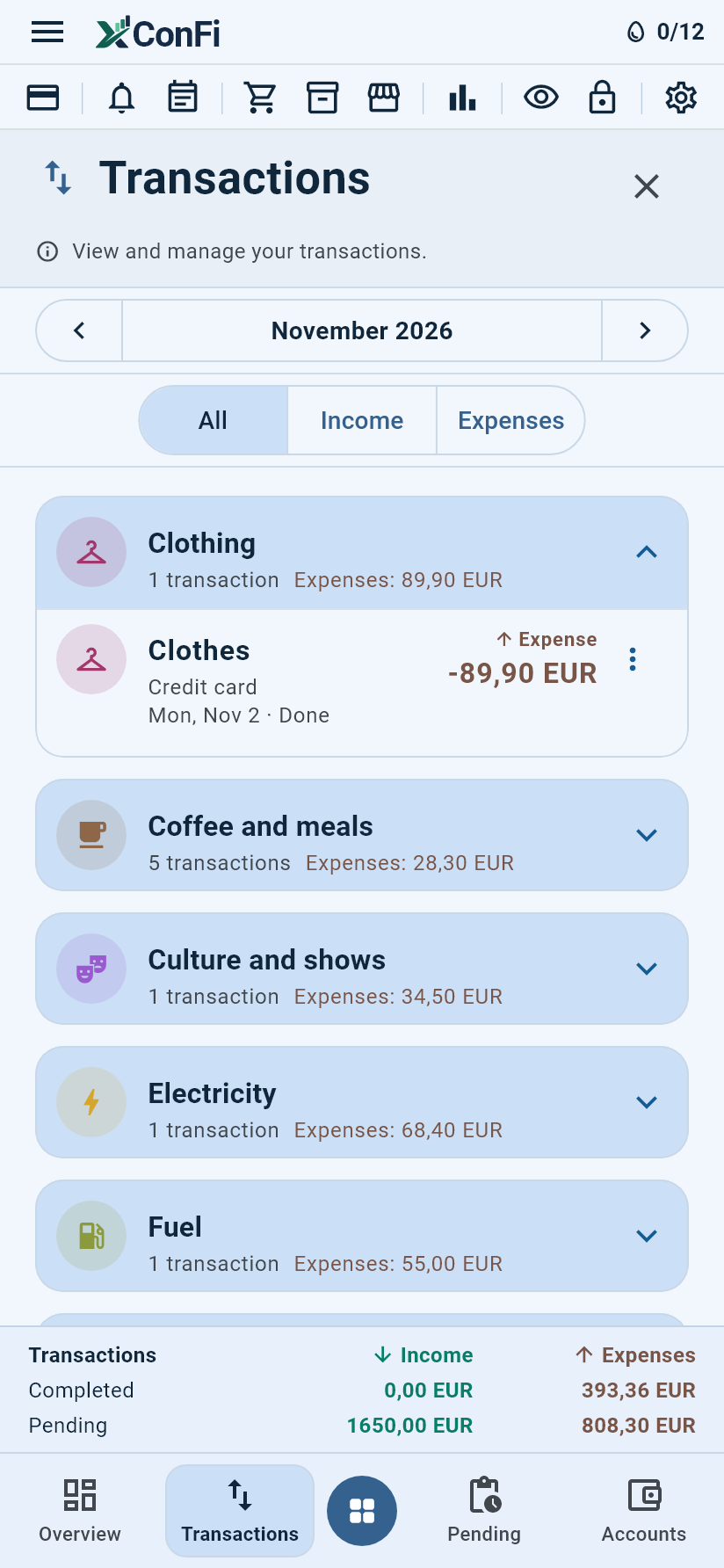
Everything you need, nothing more.
Pick a feature to see the app's real screen.
Record an expense in three steps.
The app's real screens, with sample data.
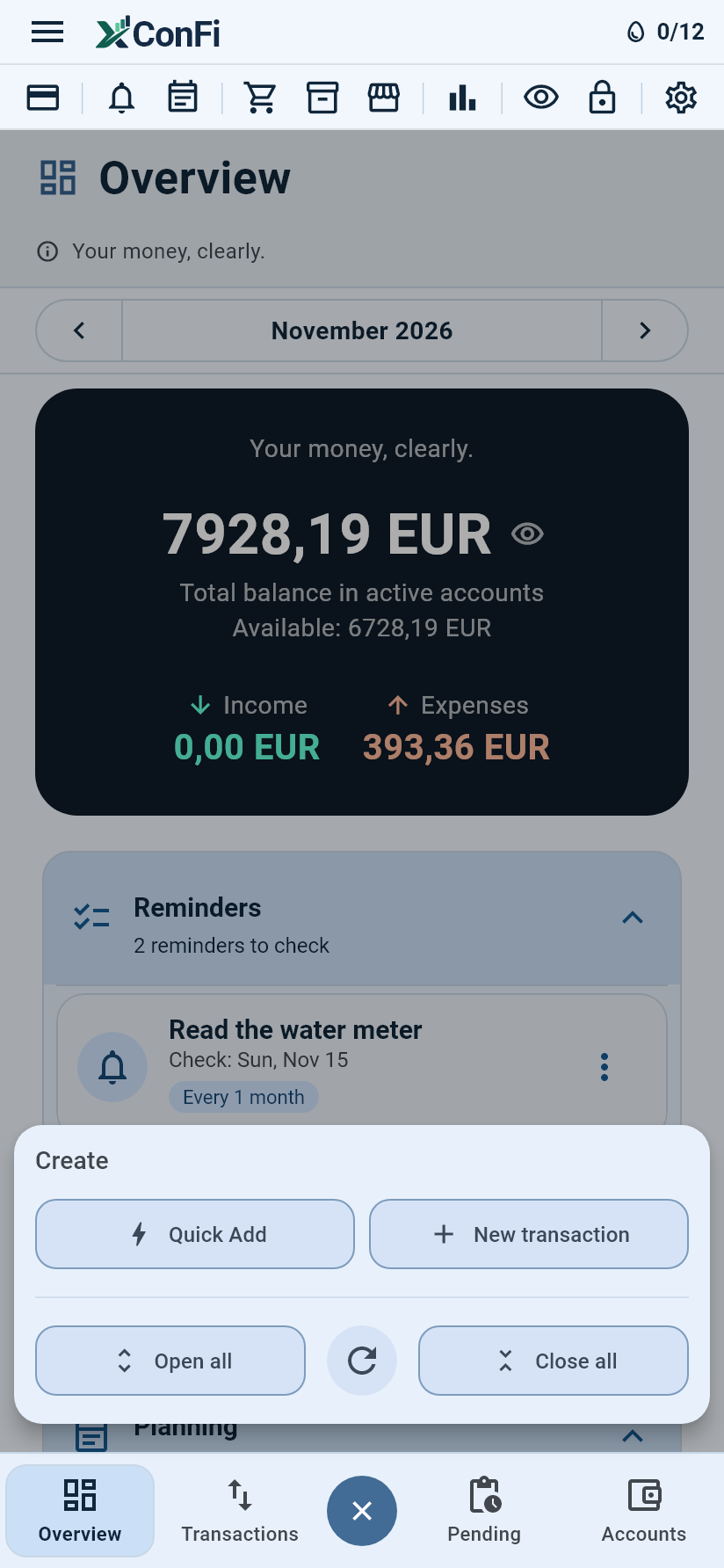
Tap the create button
The round button in the middle of the bottom bar opens Quick Add, New transaction and the options of the module you are in.
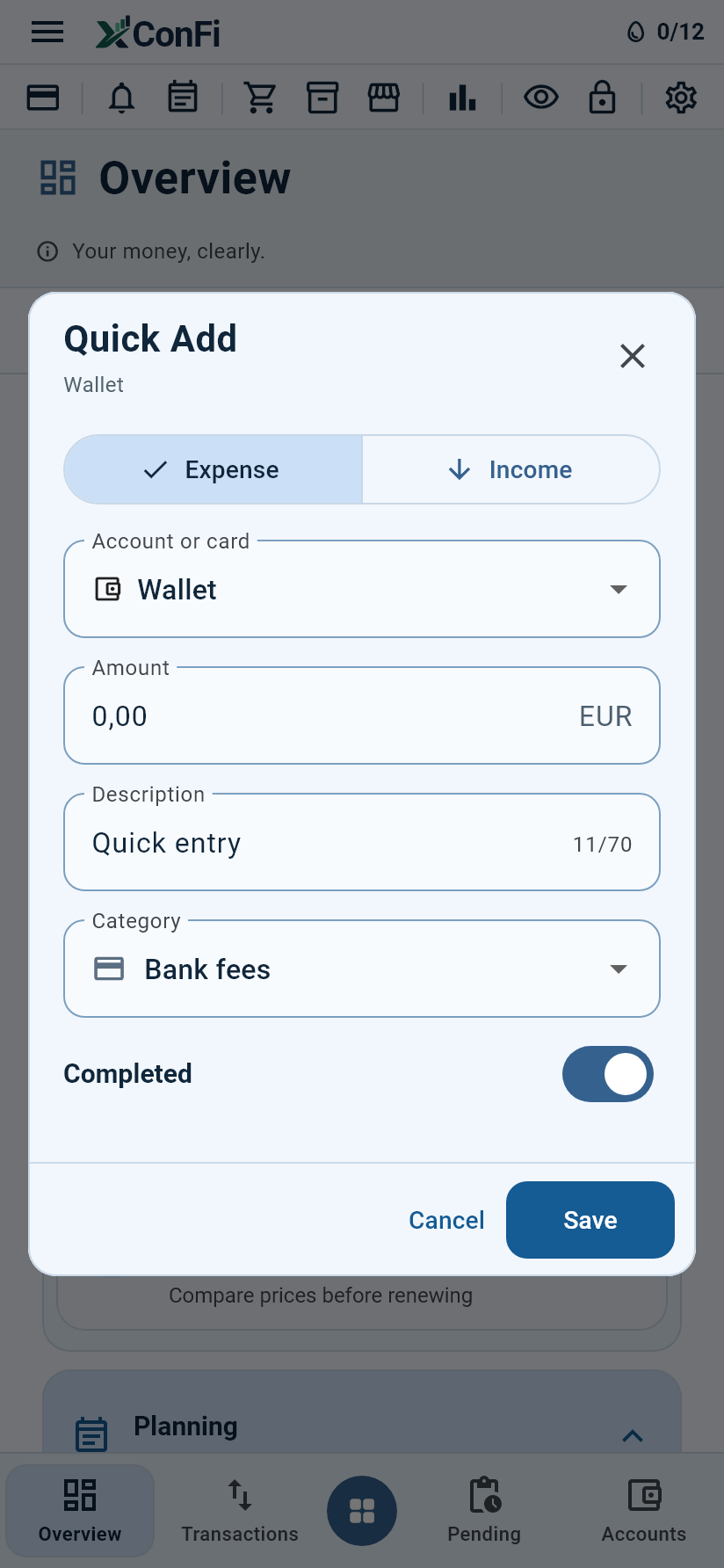
Type the amount
Amount, description and account. Category, date and the rest are optional.
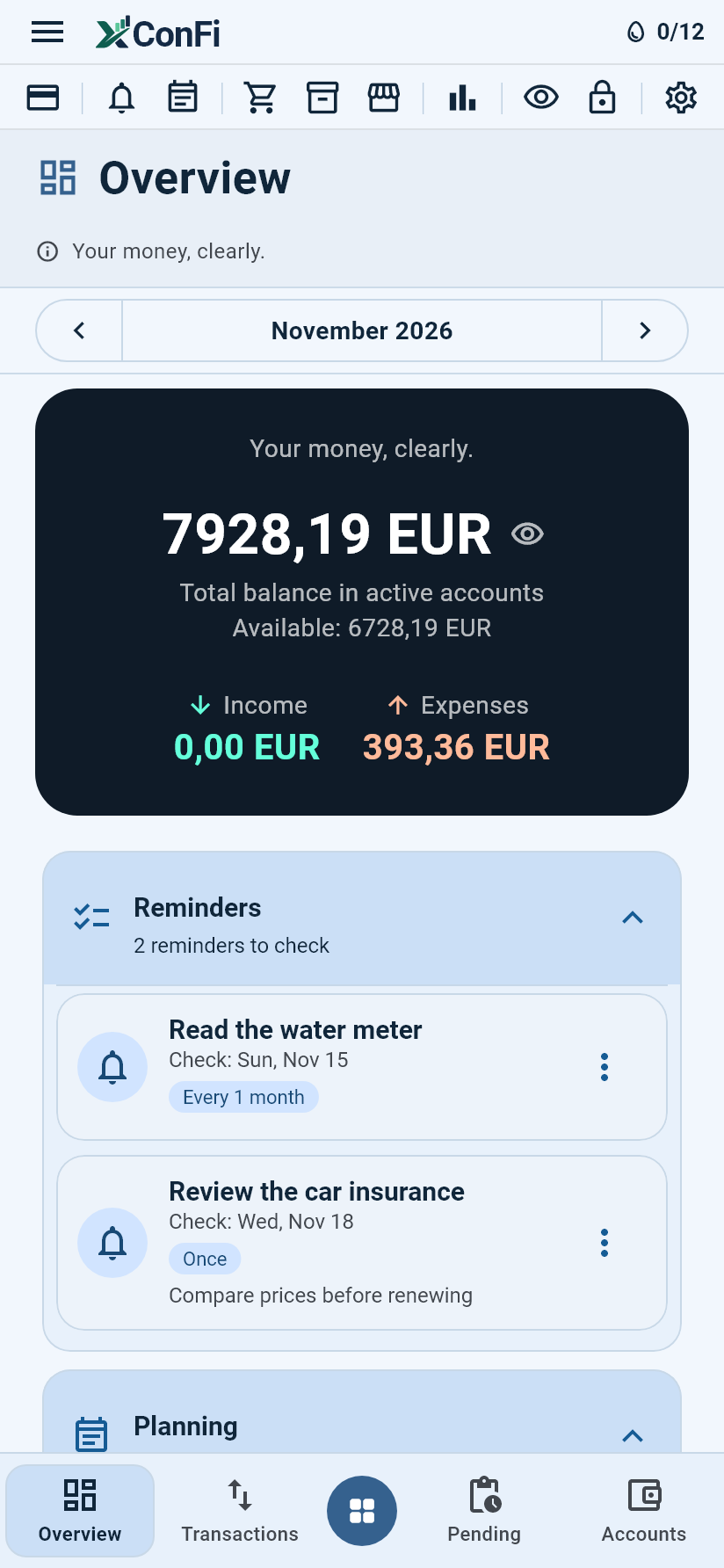
See the month updated
The Overview immediately shows account balances and the month's income and expenses.
Designed to be clear.
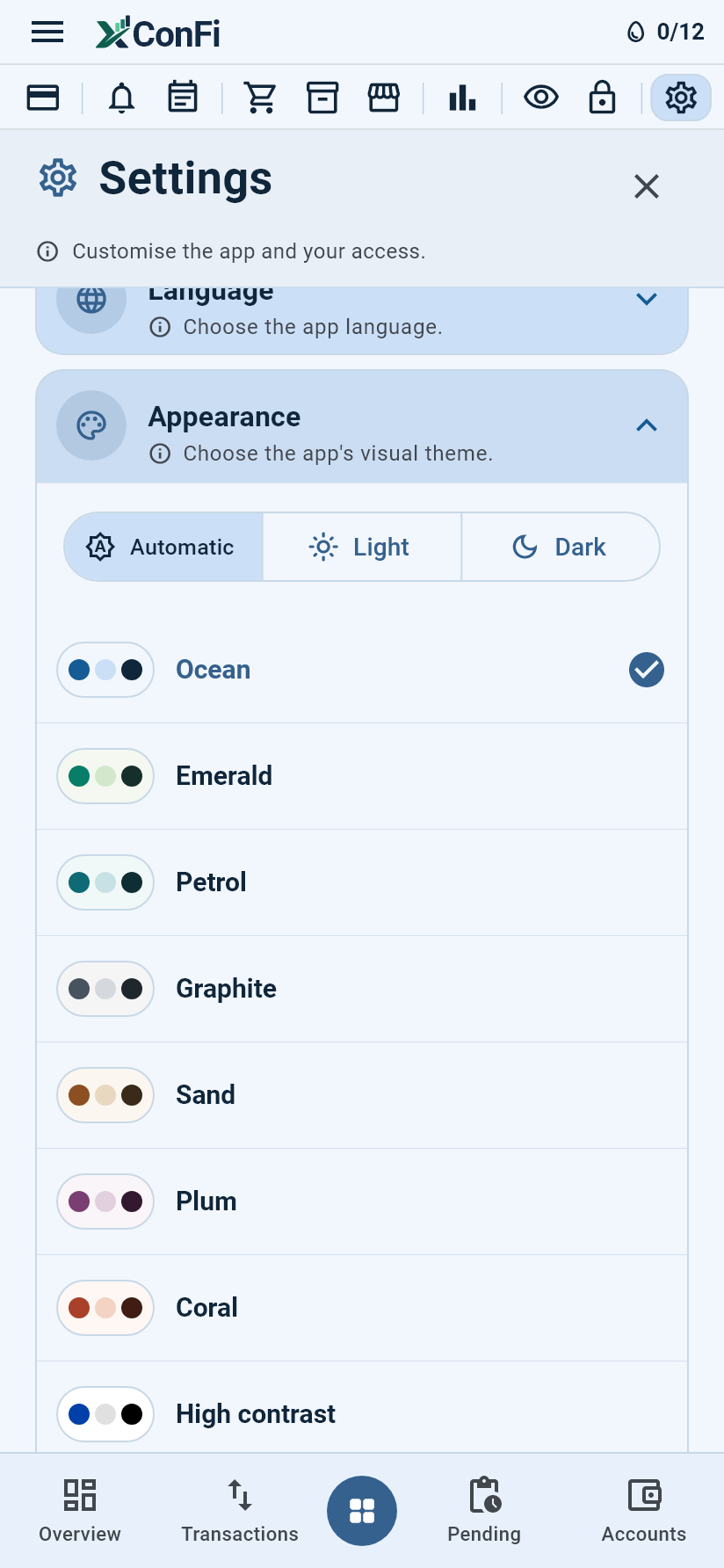
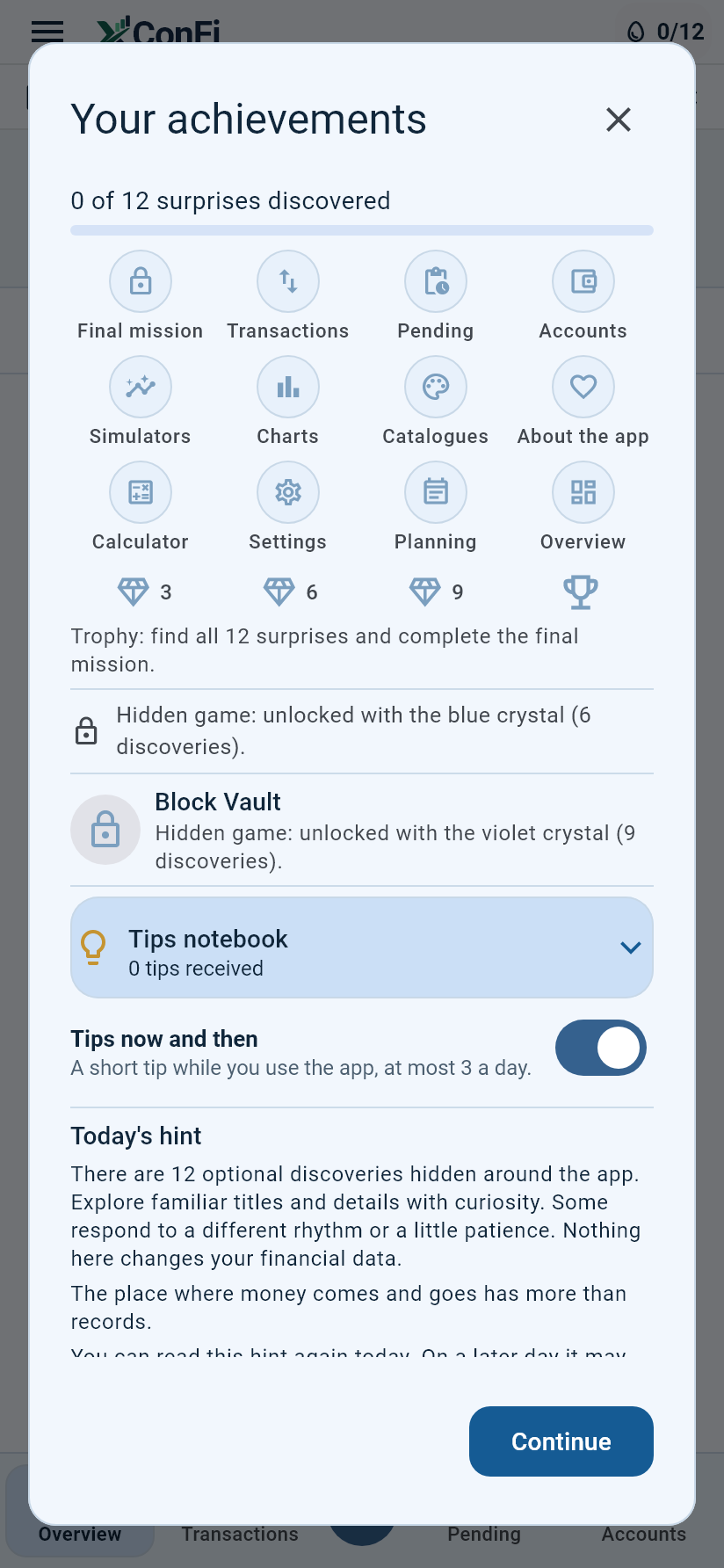
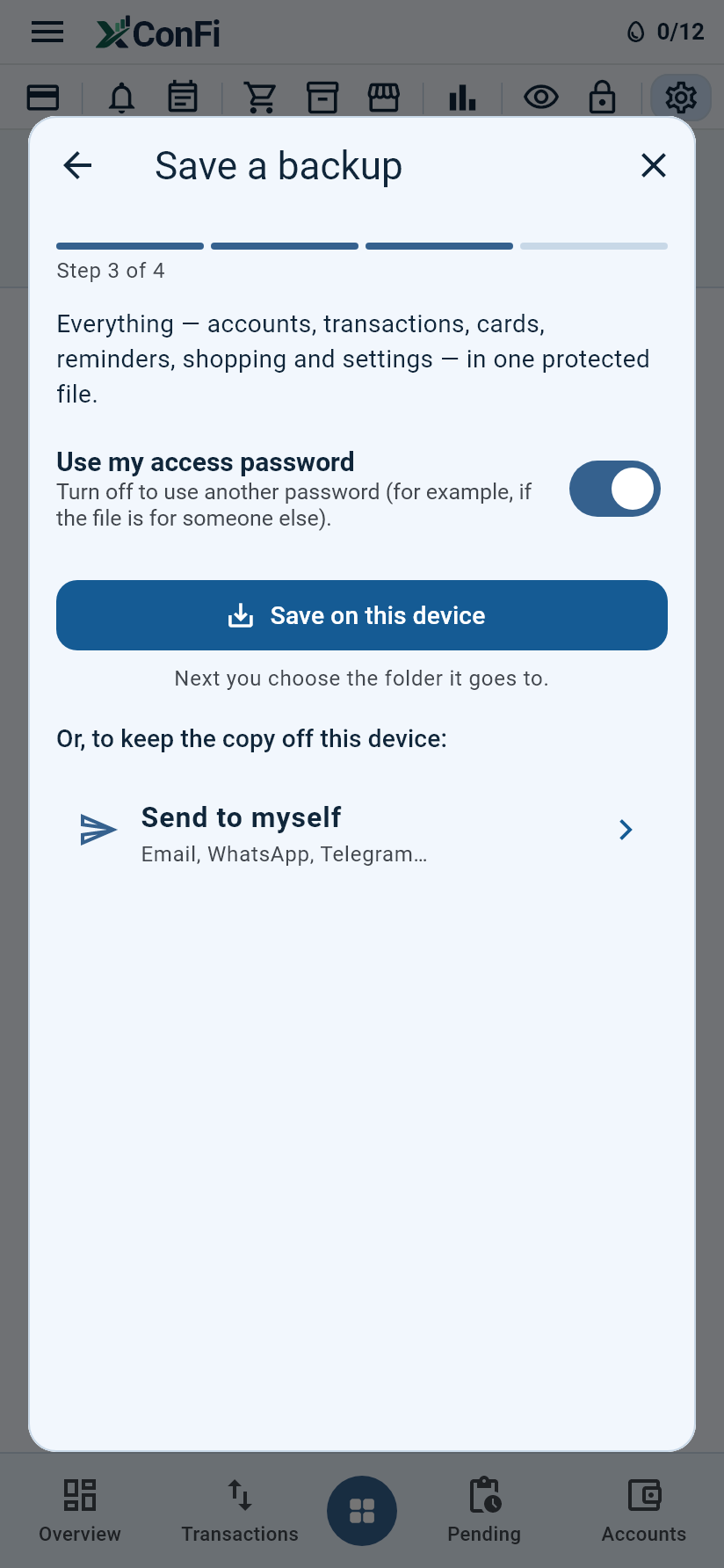
Real screens of the app, with sample data.
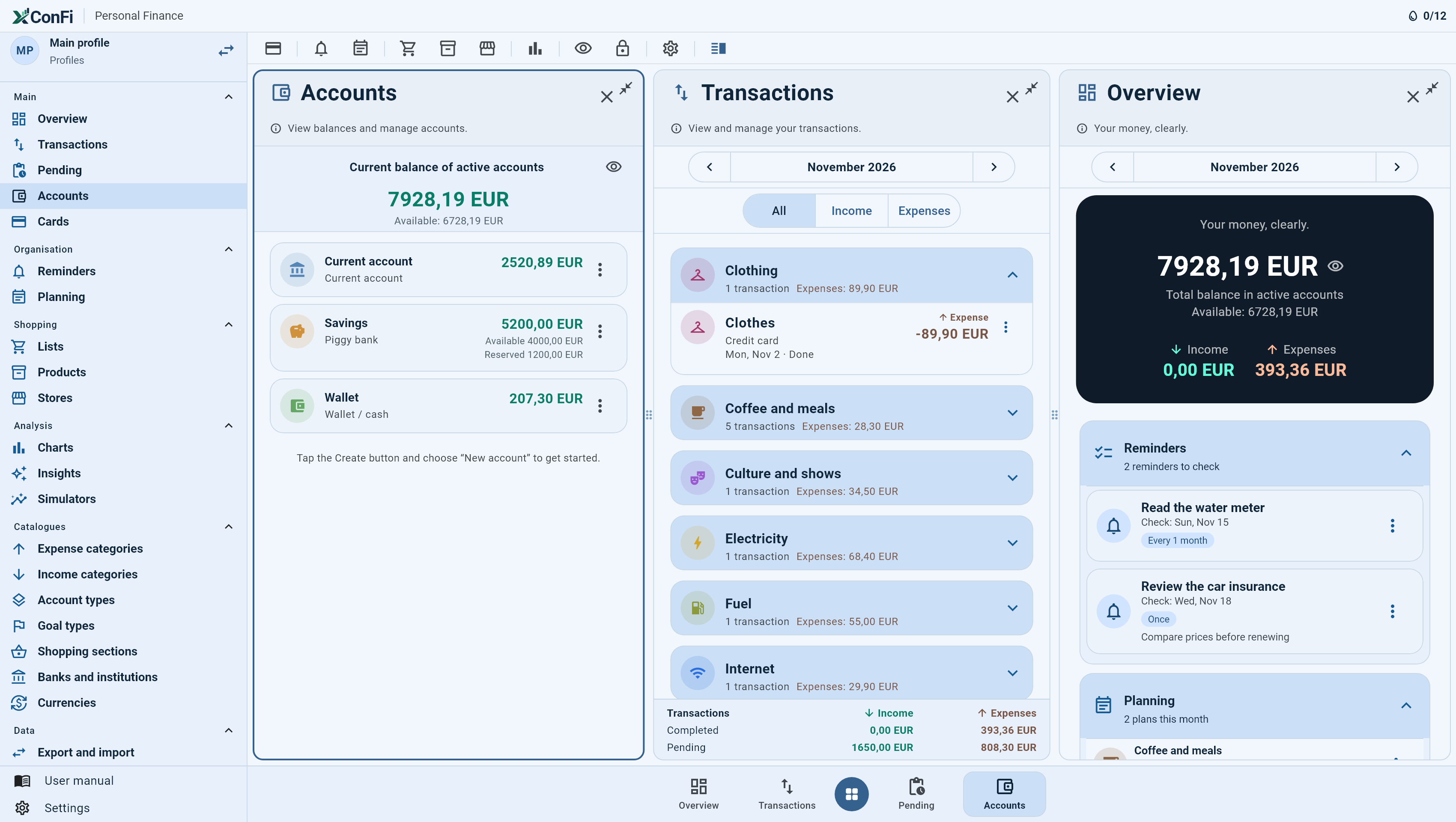
On a computer, up to three modules side by side.
On wide screens the side menu stays open and you can open up to three modules at once, for example Overview, Transactions and Accounts.
Your data is yours. Period.
XConFi has no server and no online account. We don't know how much you earn or where you spend it, and we want to keep it that way.
Stays on the device
Everything is stored locally. Nothing is sent to the internet.
Encrypted backups
Backups are protected with your access password. You keep them wherever you like.
No tracking
No ads, no usage statistics and no sharing with third parties.
Full documents: XConFi privacy policy · XConFi terms of use
Get to know XConFi in the trial version. Unlock once.
The trial version has every feature, with limits per profile. You buy in your device's store and can restore the purchase.
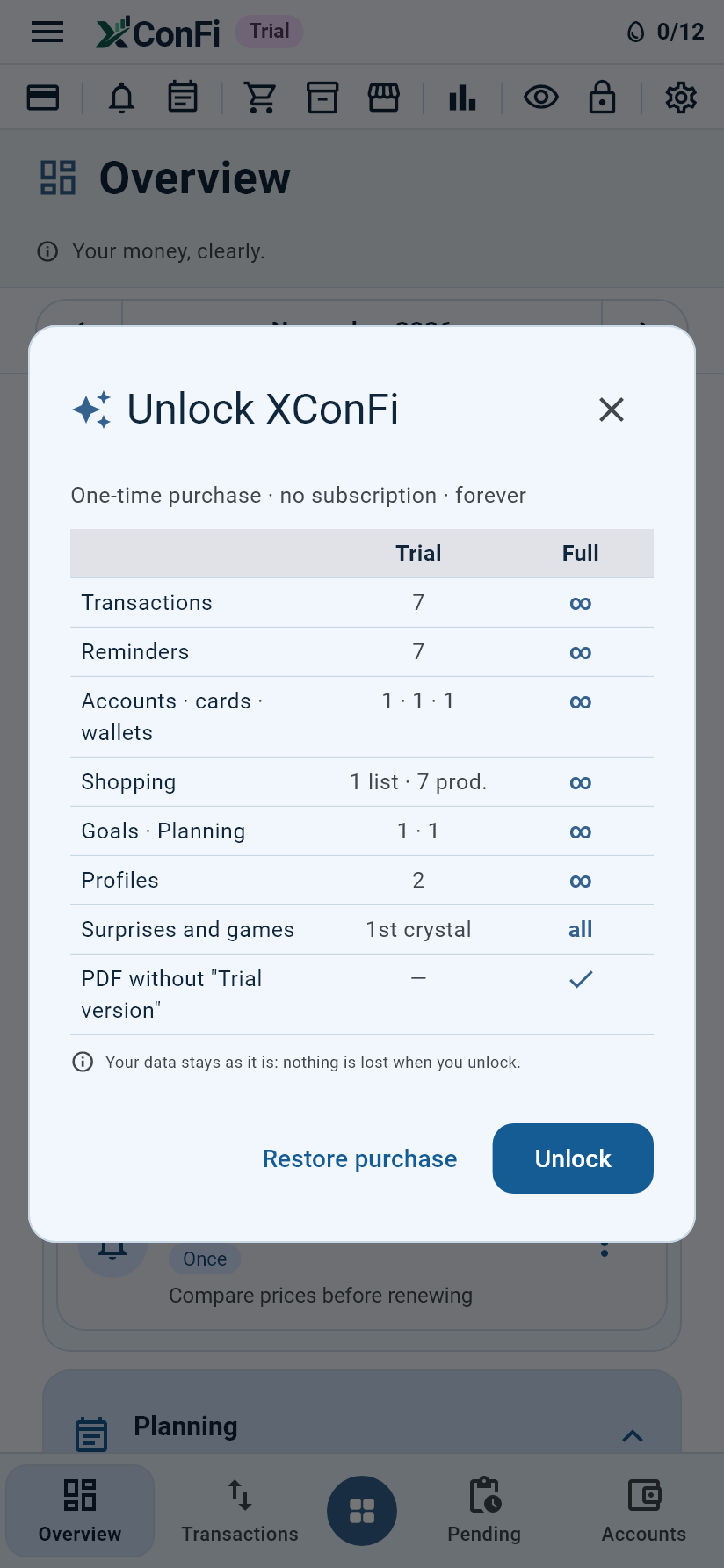
Unlock XConFi
One-time purchase · no subscription · forever
| Trial | Full | |
|---|---|---|
| Transactions | 7 | ∞ |
| Reminders | 7 | ∞ |
| Accounts · cards · wallets | 1 · 1 · 1 | ∞ |
| Shopping | 1 list · 7 prod. | ∞ |
| Goals · Planning | 1 · 1 | ∞ |
| Profiles | 2 | ∞ |
| Surprises and games | 1st crystal | all |
| PDF without "Trial version" | — | ✓ |
- One-time purchase, no subscription, forever
- No limits, in every profile
- “Restore purchase” when you change device
- At a limit, the app still opens and shows everything
Your data stays as it is: nothing is lost when you unlock. Sample data does not count.
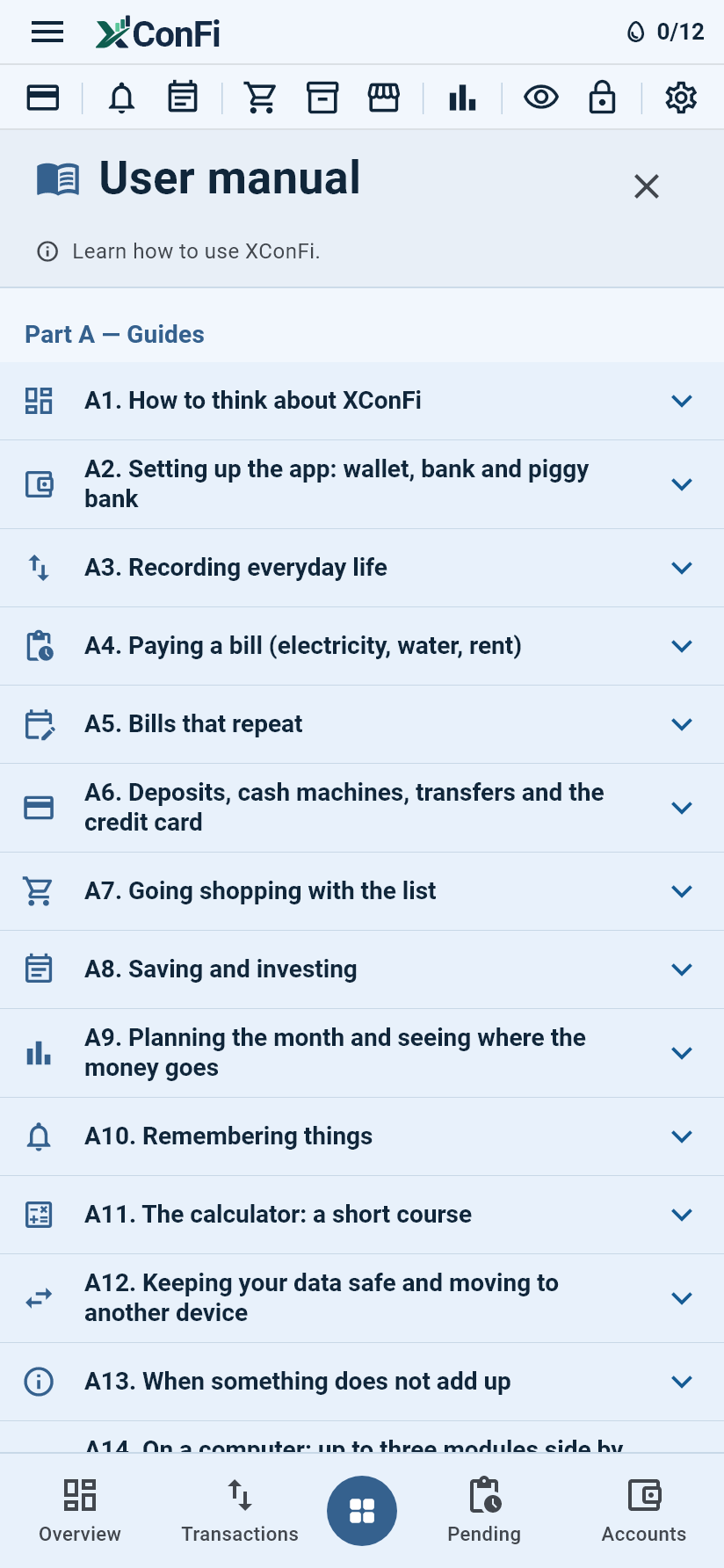
A step-by-step manual in your language.
Written for people with little experience: real cases, screens explained and how everything fits together. Also available inside the app.
Common questions.
Does my data go to the internet?
No. There is no online account and no server: only what you export or send leaves the device.
I changed phone. How do I move my data?
On the old one, in Export and import, export everything to another device of yours; on the new one, choose Import. It works over Wi-Fi on the same network or with a file. The manual explains it step by step.
Can I use it on the computer and on the phone?
Yes: Windows, Android and iPhone, with the same app. To have the same data on both, use Export and import.
I forgot my password.
Use the recovery code on the sign-in screen. Without the code, access cannot be recovered nor protected backups opened on another device.
Is it a subscription?
No. You get to know XConFi in the trial version, with limits, and unlock everything with a one-time purchase, forever.
I changed device. Do I have to pay again?
No, as long as you use the same store account (Google, Apple or Microsoft). Use “Restore purchase” in the app.
I moved to another country. Can I change the currency?
Create a new profile in that country's currency. The old profile stays intact and you switch between them in the side menu.
Do I need to print the reports?
No: the PDFs are digital documents, to keep or share without paper.
Need help with XConFi?
Write to us
A real person replies, usually within 1 to 2 working days.
[email protected]- Say which device you use (Android, iPhone or Windows).
- Say which version you have (Settings › About the app).
- Describe what happened and, if you can, attach a screenshot. Never send your password.
Before you write
Most questions are answered in the manual, with pictures of every screen.
See the manualsPrivacy and personal data: [email protected]